



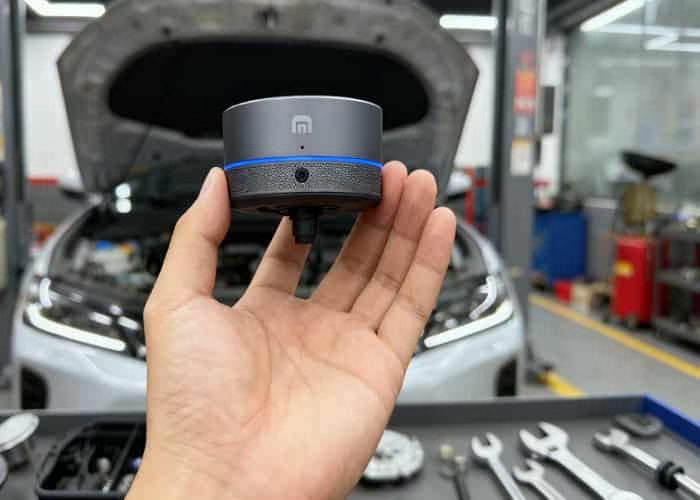
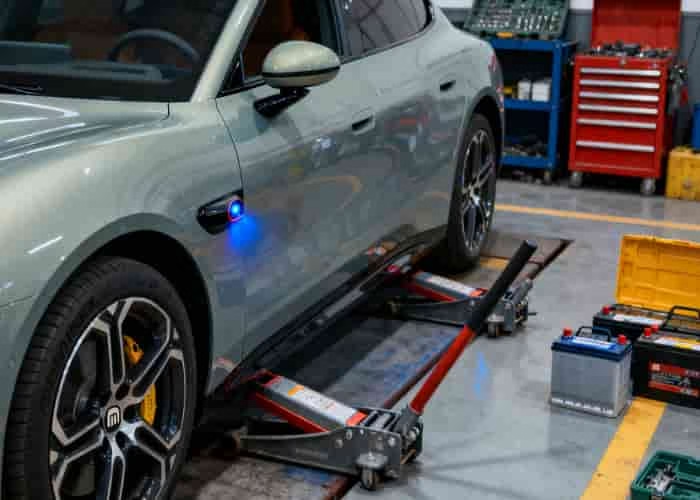
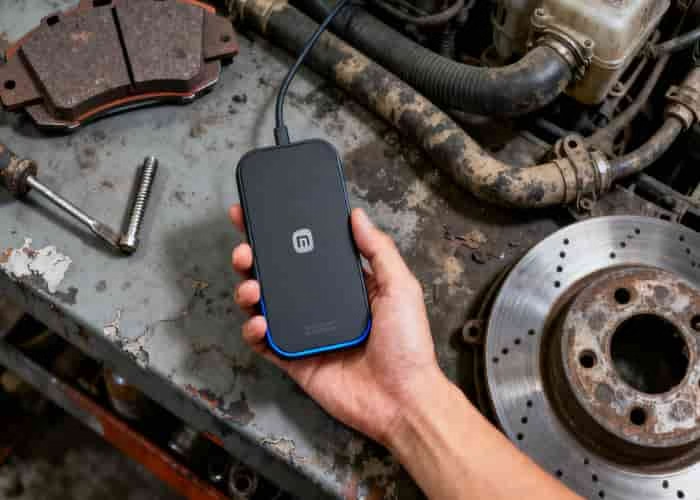
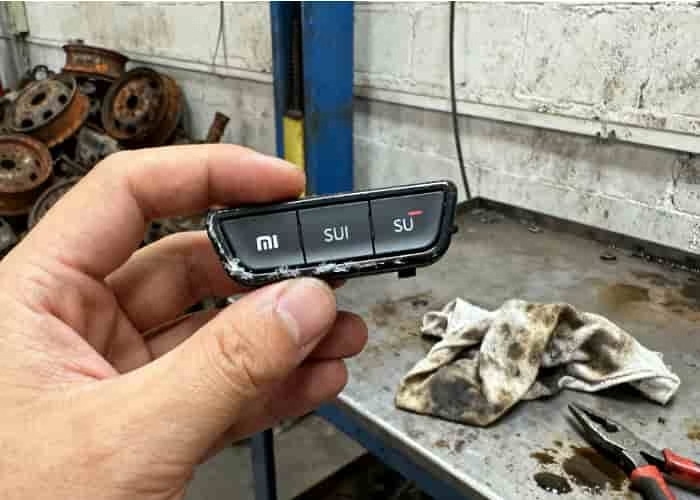
What vehicle functions can be assigned to the Xiaomi YU7 magnetic physical buttons? As a highly customizable smart accessory, the Xiaomi YU7 magnetic physical buttons deliver a convenient “one-touch access” experience.
The magnetic physical button can be paired with the zero-gravity seat’s activation and deactivation functions. Combined with seat ventilation or massage features, it delivers an exceptional experience for long drives or quick breaks. Rear seat folding and unfolding can also be completed with a long press of the button, ideal for scenarios requiring frequent trunk space adjustments.
Climate control represents another high-frequency use case. The button allows quick adjustment of temperature, airflow direction, and fan speed for both driver and passenger seats, or instant activation of auto mode—eliminating the need to navigate through multiple layers of the infotainment menu. Before entering the vehicle in summer, pre-cooling the seats via this button prevents discomfort from scorching surfaces.
The button supports one-touch activation or deactivation of all interior lights, facilitating nighttime searches for items. Some users configure the button as a “Call Mute Mode” shortcut—a quick press pauses music playback to prevent interruptions during calls.
Vehicle settings functions are equally comprehensive. A long press activates “Car Wash Mode,” automatically disabling exterior lights, climate control, and automatic door locking to prevent accidental operation during washing. A short press engages Off-Road Assist Mode, adjusting suspension height or traction control parameters.
What vehicle functions can be linked to the Xiaomi YU7’s magnetic physical button? The magnetic physical button supports creating smart联动tasks. When the passenger door opens and the occupant exits, pressing the button automatically triggers Xiao Ai to announce, “Please watch for traffic behind when exiting.” This transforms the button into a bridge connecting the vehicle to user habits, truly achieving “a button that follows you, an experience that travels with you.”





Leave a Reply